

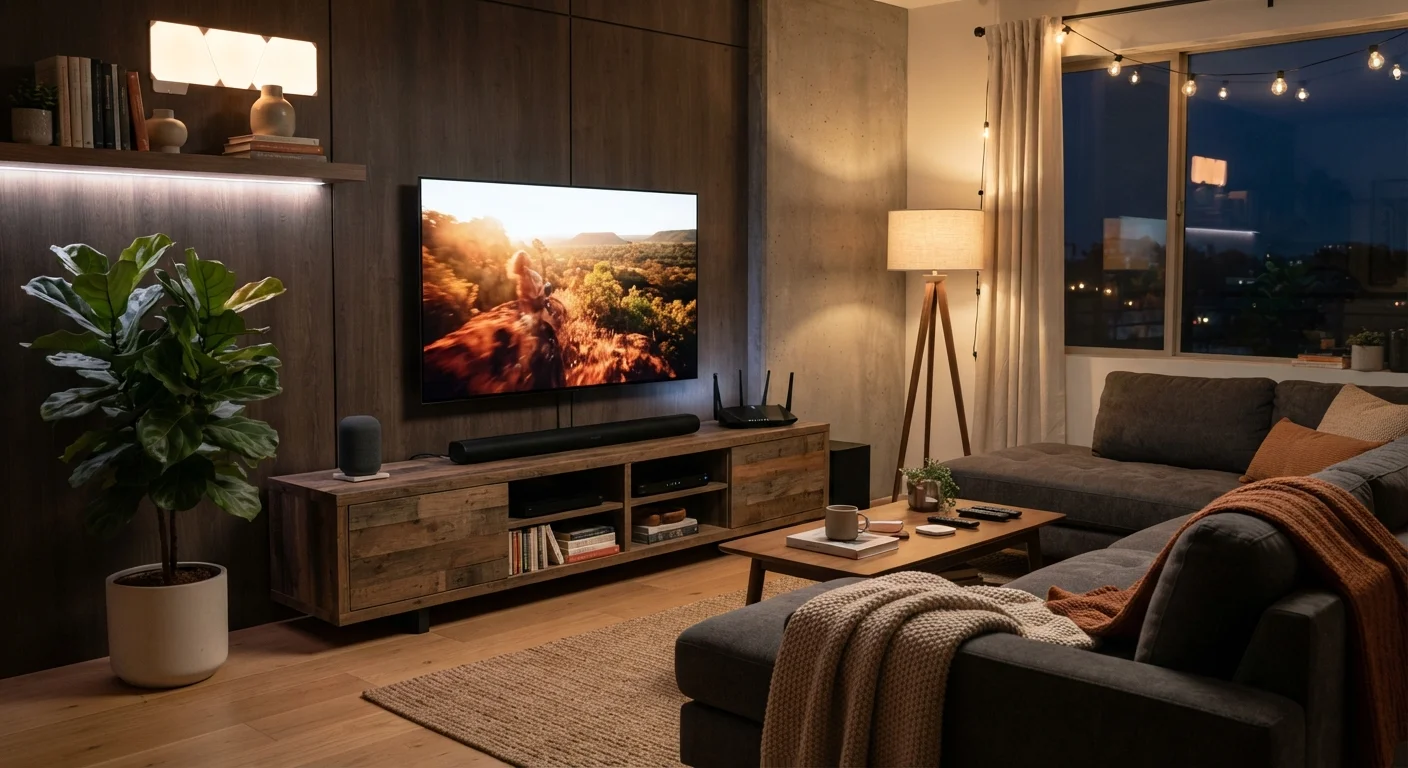
Understanding Home Displays: TVs and Monitors
When shopping for a television or monitor, three specifications matter most: panel technology, resolution, and refresh rate. Understanding each one helps you match the display to your actual use - whether that's streaming movies, gaming, or video calls.
Panel technology refers to how the screen produces light and color. LED/LCD panels are the most common and affordable. OLED panels produce deeper blacks and wider viewing angles because each pixel generates its own light, but they tend to cost more. QLED is a marketing term used by some manufacturers for LED panels enhanced with quantum dots, which improve color range.
Resolution describes how many pixels make up the image. 4K (3840 × 2160 pixels) is now the standard for TVs 40 inches and larger. At typical living room distances, the difference between 4K and 1080p becomes noticeable on screens 55 inches and above. For desktop monitors used at arm's length, 1080p remains practical up to about 27 inches.
Refresh rate - measured in hertz (Hz) - indicates how many times per second the image updates. 60Hz handles everyday TV and streaming. 120Hz reduces motion blur and matters most for fast-action sports or gaming. Many manufacturers advertise higher numbers using software interpolation, which is a processing technique, not a true hardware upgrade - look for the native refresh rate when comparing.
For a plain-language breakdown of these and other display terms, see our Home Electronics Glossary which defines 40 key terms every consumer should know.
When evaluating a TV in a store, ask staff to switch off any 'Vivid' or 'Dynamic' display mode and view the screen in 'Cinema' or 'Movie' mode - this more accurately reflects what you'll see at home.
Store display modes are calibrated to appear bright under harsh retail lighting, which exaggerates colors and contrast in ways that rarely translate to home viewing conditions.
Before adding any new smart device, check its compatibility page for the specific hub or app version it requires - not just the brand name on the box.
Smart home compatibility issues most often stem from protocol or version mismatches that aren't obvious from packaging, causing frustration after purchase.
Smart Home Devices: What They Do and How They Connect
Smart home devices - including voice assistants, smart bulbs, thermostats, plugs, and security cameras - are unified by one idea: they can be controlled remotely or automatically, usually through a smartphone app or a voice command.
Most devices use one of three wireless protocols to communicate:
- Wi-Fi: High bandwidth, suitable for cameras and streaming devices, but can congest your router if you have many devices.
- Zigbee / Z-Wave: Low-power mesh protocols ideal for bulbs, sensors, and locks. They require a separate hub (a small device that bridges them to your Wi-Fi network) but consume very little power.
- Matter: A newer open standard designed to make smart home devices work across different ecosystems - such as Amazon Alexa, Google Home, and Apple HomeKit - without compatibility issues.
The practical implication: before purchasing a smart device, check which protocol it uses and whether you already have the required hub or compatible ecosystem. Sticking to one ecosystem (or devices that support Matter) reduces the risk of devices that won't communicate with each other.
Avoid Mixing Incompatible Protocols
Purchasing smart devices across multiple incompatible protocols - for example, combining Zigbee bulbs with a Z-Wave-only hub - can result in devices that simply won't connect. Always verify protocol compatibility before buying, or choose devices that explicitly support the Matter standard, which is designed for cross-ecosystem interoperability.
Home Audio: Speakers, Soundbars, and Streaming
Built-in TV speakers are typically thin and underpowered - a consequence of slim TV designs. Upgrading your audio setup is one of the most noticeable improvements you can make to a home entertainment experience.
Your main options are:
- Soundbars: Single elongated speaker units that sit below or above the TV. Entry-level soundbars improve dialogue clarity and overall volume over built-in speakers. Higher-end models include a separate subwoofer for bass and satellite speakers for surround sound.
- Stereo speaker pairs: Two separate speakers connected to an amplifier or AV receiver. This setup generally provides superior stereo imaging for music and is preferred by audio enthusiasts.
- Multi-room wireless speakers: Systems that let you play audio in multiple rooms simultaneously, controlled through an app. Many also integrate with voice assistants.
When evaluating audio gear, focus on frequency response (how well the speaker handles bass, midrange, and treble) rather than peak wattage, which is often inflated in marketing materials. Listening tests, even brief ones at a store, remain the most reliable evaluation method.
Streaming music and audio through services requires either a smart speaker with Wi-Fi built in, a receiver with network capability, or a small streaming adapter connected to existing speakers.
Home Networking: The Backbone of Every Connected Device
Every smart TV, voice assistant, security camera, and wireless speaker ultimately depends on your home network. A weak or congested network is the most common cause of frustrating device behavior - buffering, dropped connections, and slow response times.
15+
Average connected devices per U.S. household
According to Deloitte's Digital Media Trends survey, the average U.S. household has more than 15 internet-connected devices, underscoring how central home networking has become.
Wi-Fi 6
Current mainstream router standard
Wi-Fi 6 (802.11ax) offers significantly improved handling of multiple simultaneous device connections compared to Wi-Fi 5, making it the recommended baseline for new router purchases.
Key networking concepts to know:
- Router vs. modem
- Your modem connects your home to your internet service provider (ISP). Your router distributes that connection to all your devices wirelessly or via ethernet cable. Many ISPs provide a combined modem-router unit.
- Wi-Fi bands: 2.4 GHz vs. 5 GHz
- 2.4 GHz travels farther through walls but is slower and more crowded. 5 GHz is faster but shorter range. Most modern routers broadcast both simultaneously (dual-band).
- Mesh networks
- A mesh system uses multiple nodes placed around your home, all sharing one network name. This eliminates dead zones and is especially useful in larger homes or spaces with thick walls.
For a home with more than a dozen connected devices, consider upgrading to a Wi-Fi 6 (802.11ax) router. Wi-Fi 6 handles many simultaneous device connections more efficiently than older standards, reducing congestion.
Devices that don't move - like a TV or game console - perform better on a wired ethernet connection, which is more stable and faster than Wi-Fi for high-bandwidth tasks like 4K streaming.
Making It All Work Together
The goal of a connected home isn't complexity - it's convenience. The most reliable setups share a few common traits: a robust network at the foundation, devices within compatible ecosystems, and a clear understanding of what each device is actually for.
Ecosystem Lock-In Is Real
Most smart home ecosystems make it easy to add devices within their own platform and harder to switch later. This isn't necessarily a problem, but it's worth knowing upfront. If flexibility matters to you, prioritize devices that support the Matter standard, as they are designed to work across multiple platforms.
A few practical principles:
- Start with the network. No smart device performs reliably on a struggling Wi-Fi connection. Ensure your router covers your space before adding devices.
- Choose an ecosystem intentionally. Amazon Alexa, Google Home, and Apple HomeKit each have broad device support. Pick one that aligns with the smartphones and tablets already in your household. If you're on an iPhone, HomeKit integrates naturally. Android users often find Google Home more seamless.
- Use ethernet where possible. Stationary devices like TVs and streaming players benefit from a wired connection for consistent performance.
- Check for software update support. Devices that stop receiving firmware updates become security risks and lose compatibility with newer features over time.
Home electronics are also part of your broader household spending picture. Our guide to smarter everyday spending can help you think about electronics purchases within the context of your overall budget.
As your device count grows, you may also find overlap with computing. Our Laptops & Computers hub covers how personal computers integrate with home networks and entertainment setups, and our Smartphones hub explains how mobile devices act as the control center for most smart home ecosystems.
The content on this site is for informational purposes only and is not a substitute for professional advice. Always consult a qualified professional for guidance specific to your situation.