

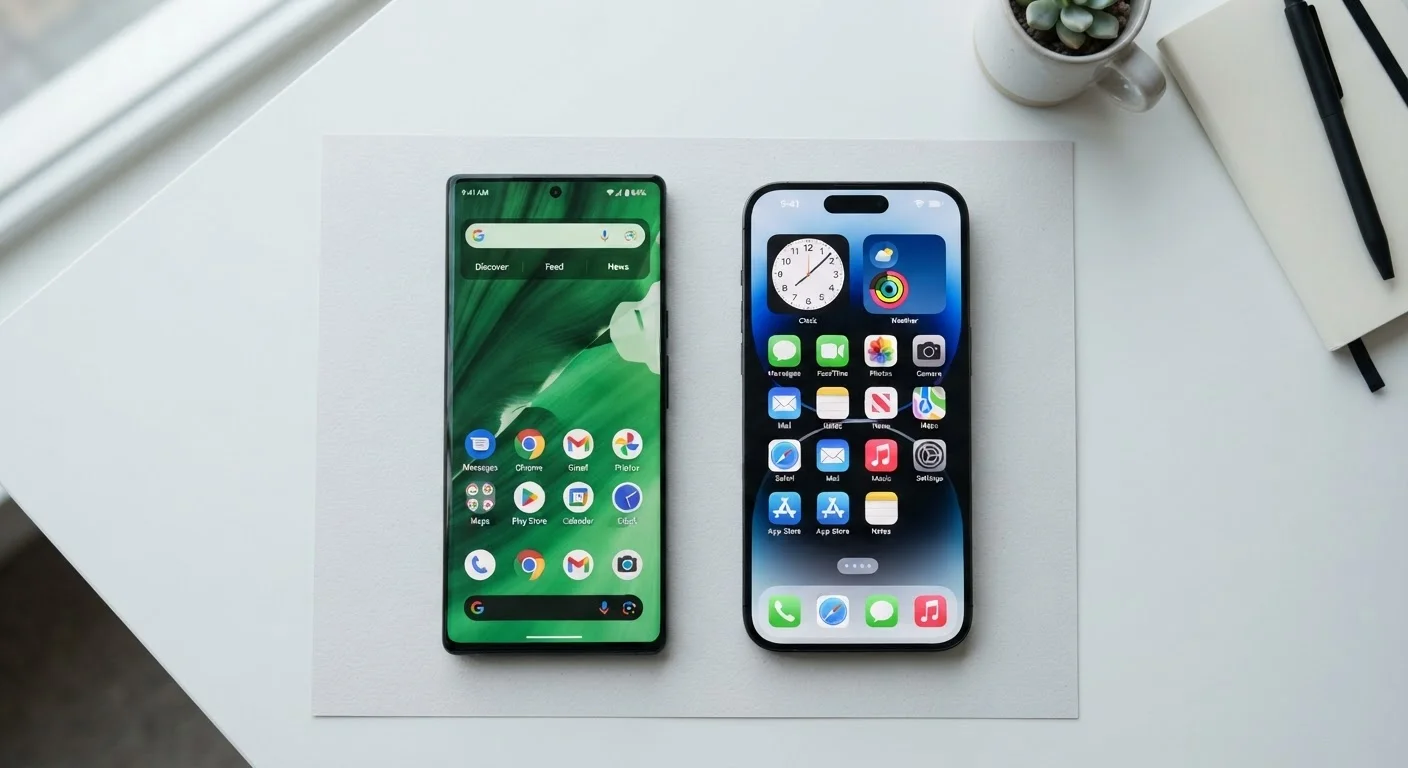
Option A
Android
The open, customizable, multi-manufacturer platform.
Best for: Users who want more control over their device, prefer hardware variety, or already use Google services heavily.
Option B
iOS
The tightly integrated, consistent Apple ecosystem.
Best for: Users who prioritize a streamlined experience, own other Apple devices, or prefer software simplicity over flexibility.
What Actually Separates These Two Platforms
Android and iOS are operating systems - the software that runs everything on your phone, from the home screen to the camera. Think of an operating system as the foundation a house is built on. The apps you use are the rooms inside, but the foundation determines what's possible.
The most immediate structural difference: Android is developed by Google and licensed to many phone manufacturers - Samsung, Motorola, Google itself, and others. iOS is developed and controlled entirely by Apple and runs only on iPhones. That single fact shapes almost every other difference between the two platforms.
If you're also curious how operating systems compare on laptops, the Windows, macOS, and ChromeOS breakdown covers the desktop side in similar plain-language terms.
| Criterion | Android | iOS |
|---|---|---|
| Who makes the phones | Many manufacturers (Samsung, Google, Motorola, etc.) | Apple only |
| Hardware price range | Budget to premium | Mid-range to premium |
| Customization depth | High - defaults, launchers, layouts | Moderate - more controlled |
| Software update delivery | Varies by manufacturer | Simultaneous across all eligible devices |
| Typical update lifespan | 2-4 years (varies by brand) | 5-6 years on average |
| Cross-device ecosystem | Strong with Google services | Strong with Apple devices |
| App store | Google Play Store | Apple App Store |
| Sideloading apps (outside store) | Permitted with a setting change | Restricted (limited exceptions) |
Customization, Apps, and the Everyday Experience
Android lets you rearrange nearly everything: swap the default keyboard, set a third-party browser as your primary one, change the entire home screen layout with a custom launcher, or place widgets anywhere. iOS has added more customization over time - including home screen widgets and custom app icons - but it still enforces more guardrails than Android does.
The app gap between the two stores has narrowed considerably. Most major apps are available on both platforms. That said, some apps still appear on iOS first, while certain Android-exclusive utilities take advantage of that platform's openness. Either way, the overwhelming majority of everyday apps - banking, social media, navigation, streaming - work on both.
~72%
Global smartphone OS market share held by Android
According to StatCounter's global data, Android accounts for roughly 72% of smartphone operating system usage worldwide as of recent tracking periods.
~57%
U.S. smartphone market share held by iOS
In the United States, iOS commands a majority share, according to StatCounter data - a notable reversal from the global picture.
3M+
Apps available on the Google Play Store
Statista has reported over three million apps available on the Google Play Store, with the Apple App Store offering a comparable but somewhat smaller library.
One distinction worth noting: apps purchased on one platform don't transfer to the other. If you've spent years buying apps or in-app content on iOS, that library stays on iOS. This is one reason switching platforms has a real friction cost. Our pre-purchase checklist covers this and other factors worth reviewing before you commit.
Updates, Privacy, and Long-Term Ownership
Software updates keep your phone secure and add new features. Apple pushes iOS updates to all compatible iPhones simultaneously, and typically supports a device for five to six years after launch. Android update delivery is more fragmented - Google controls Android's core, but each manufacturer controls when and whether those updates reach their specific phones. Google's own Pixel phones receive updates directly; other brands vary widely.
On privacy, both platforms have strengthened user controls in recent years. iOS introduced App Tracking Transparency, which requires apps to ask permission before tracking your activity across other apps and websites. Android has added similar permission controls, though the specifics of how data flows through Google's own services reflect the company's advertising-based business model. Neither system is inherently unsafe, but they make different trade-offs worth understanding.
A Note on Privacy Across Both Platforms
Both Android and iOS give users controls to limit app permissions for location, camera, microphone, and contacts. Neither platform's privacy protections are automatic - they depend on how you configure settings and which apps you grant access to. Reviewing your app permissions periodically on either platform is a worthwhile habit. For detailed guidance, consult your phone's official settings documentation or support site.
Understanding how your phone's display technology fits into all of this is also worthwhile - OLED vs. LCD on phones explains what those differences look like day to day. And if you're brand new to smartphones, the first-timer's orientation guide is a solid starting point before diving into platform-specific decisions.
The content on this site is for informational purposes only and is not a substitute for professional advice. Always consult a qualified professional for guidance specific to your situation.