

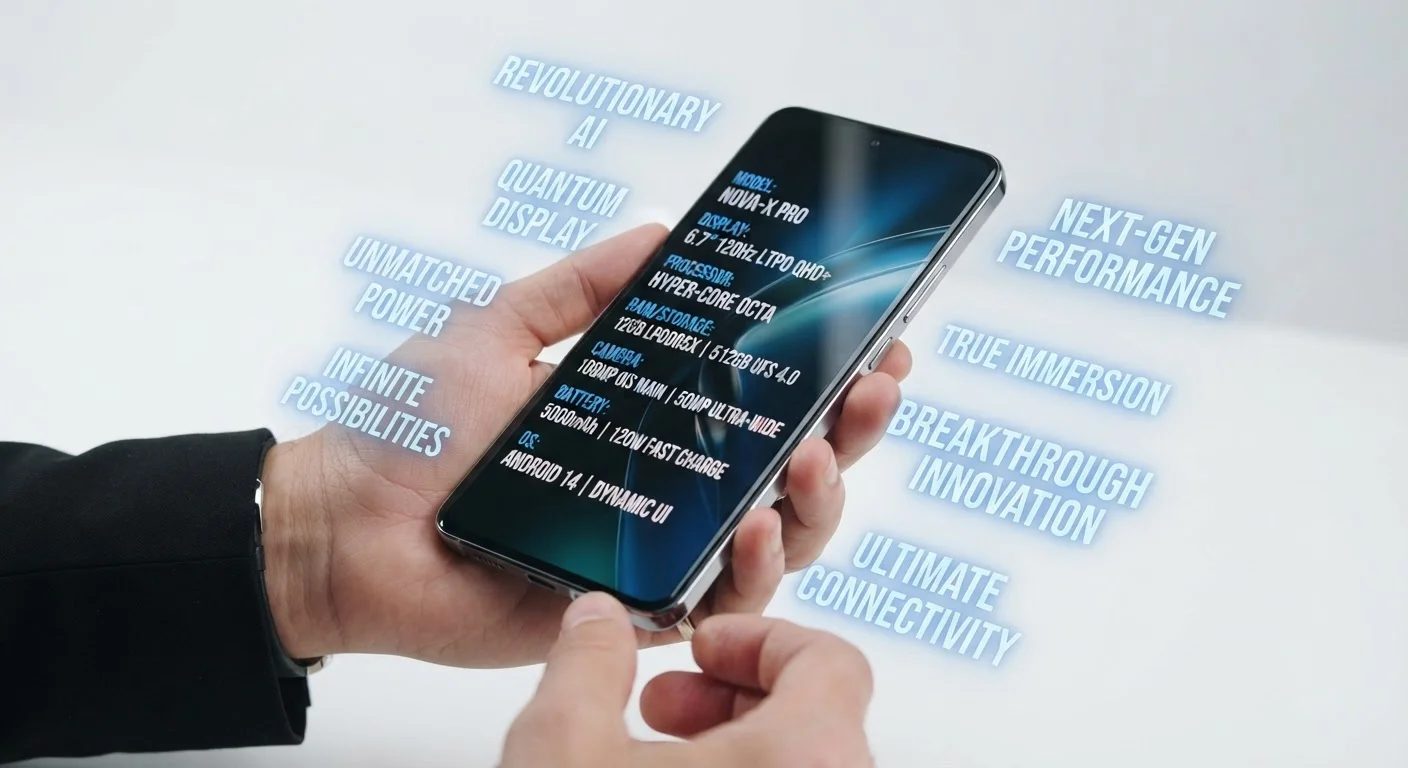
When the Spec Sheet Outpaces Real Life
Smartphone marketing excels at making features sound indispensable. Every new release cycle brings another headline capability - a camera with an astronomical megapixel count, an emergency satellite link, a folding screen that transforms the device entirely. These features generate buzz, and they genuinely represent engineering achievements. But impressive engineering and practical daily usefulness are not always the same thing.
For most people, a smartphone is used for texting, calls, social media, navigation, and photography. The gap between that reality and what manufacturers highlight on the box can be significant. Understanding what specs actually tell you about real-world performance is a useful starting point - but it also helps to look at which features rarely leave the spec sheet in practice.
The list below examines commonly marketed smartphone features, what they do, and how often typical users realistically engage with them.
200MP and Ultra-High Megapixel Cameras
Camera megapixel counts have climbed dramatically in recent years, with some phones now advertising 200MP sensors. A megapixel (MP) represents one million pixels in a photo, and higher counts theoretically allow for more detail and larger prints. In practice, most people share photos on social media or view them on screens where anything beyond roughly 12-16MP is imperceptible.
Ultra-high-resolution modes also produce very large file sizes and are often disabled by default, with the phone shooting at a lower resolution unless manually switched. The camera lens quality, sensor size, and software processing tend to have a far greater effect on everyday photo quality than raw pixel count. For a deeper look, camera specs that actually affect photo quality covers this distinction in detail.
Most people share photos on screens where anything beyond 12-16MP is imperceptible.
Satellite Emergency Connectivity
Some newer phones include the ability to send emergency SOS messages or location data via satellite when there is no cellular or Wi-Fi signal available. This is a legitimate safety feature - it can be genuinely life-saving in a true emergency in a remote area.
For the overwhelming majority of users, however, this capability will never be activated. Most Americans live and travel in areas with functional cellular coverage. The feature adds to the marketing story and may provide quiet peace of mind, but it is rarely a meaningful differentiator for urban or suburban users who never venture far from a cell tower.
Satellite SOS is a real safety tool, but most users will never activate it.
Foldable and Rollable Form Factors
Foldable phones - devices with screens that physically bend to create a larger display surface - represent a notable hardware innovation. The appeal is having a tablet-sized screen in a pocket-sized package. In reality, most users report opening the larger screen format only occasionally, often defaulting to the phone's standard orientation for typical tasks.
Foldables also introduce mechanical complexity. A hinge mechanism adds a potential point of failure, and early generations showed durability concerns with the flexible display material. They tend to be heavier and thicker when folded than conventional phones of similar screen sizes. The form factor suits a specific type of power user, but for typical daily use, the trade-offs are considerable.
Most foldable owners default to the standard orientation for everyday tasks.
8K Video Recording
8K video refers to footage with approximately 8,000 horizontal pixels - four times the resolution of 4K and sixteen times that of standard HD. Some flagship phones include this capability as a selling point. The catch: virtually no consumer display currently renders 8K natively, storage requirements are enormous (8K footage can consume several gigabytes per minute), and streaming platforms do not widely support it.
Most users who shoot video do so for social media or personal storage, where 1080p or 4K is entirely sufficient. 8K recording on a phone is technically real, but its practical application for a typical household is minimal at this stage.
8K video requires storage and displays most households simply don't have.
Advanced Biometric Extras (Iris Scanning, 3D Face Mapping)
Beyond the standard fingerprint reader or face unlock, some phones have introduced more elaborate biometric authentication methods - iris scanning, ultrasonic 3D fingerprint sensors, detailed facial depth mapping. These are marketed as more secure than basic alternatives, and the underlying technology is often genuinely more sophisticated.
In everyday use, however, most people unlock their phone dozens of times a day and simply want it to be fast and reliable. The incremental security improvement over a well-implemented standard fingerprint sensor is rarely meaningful for a typical consumer threat model. The added hardware also contributes to device cost without changing the unlocking experience noticeably for most users.
Elaborate biometric systems rarely change the daily unlocking experience in practice.
Massive RAM Numbers
RAM (Random Access Memory) determines how many apps a phone can keep active in the background simultaneously. Marketing for some phones now emphasizes 12GB, 16GB, or even higher RAM figures. While more RAM can help with multitasking on Android devices, there is a practical ceiling beyond which additional RAM produces no noticeable improvement for ordinary use cases.
Most everyday tasks - messaging, browsing, streaming, photography - do not stress even modest RAM configurations on well-optimized phones. The operating system and software efficiency also influence how RAM is used, meaning a phone with less RAM and better optimization can outperform a higher-RAM device in real-world fluidity. Similar specs can feel very different in practice for exactly this reason.
Software optimization often matters more than raw RAM capacity for everyday multitasking.
What to Focus on Instead
None of the features above are useless by definition - context matters. A satellite SOS link is genuinely valuable if you regularly hike in remote wilderness. An ultra-high-resolution camera matters if you regularly print large-format photos. The issue is that these features are often marketed to a general audience for whom they serve no practical purpose.
Map Features to Your Actual Habits
Before your next phone evaluation, spend a week noting which apps and tasks you actually use most. Compare those habits against a phone's strengths - battery endurance, call quality, camera low-light performance - rather than headline specs. A feature you will use every day is worth more than ten you will never activate.
Before evaluating any phone, it helps to audit your actual usage patterns. What do you do with your phone most hours of the day? Which frustrations - slow charging, poor low-light photos, sluggish app switching - do you actually experience? Matching a phone's genuine strengths to your real habits is more reliable than chasing headline numbers. For a practical approach to that process, see what to check before committing to a new phone.
It's also worth noting that phones with similar specs can feel completely different once software, display tuning, and build quality enter the picture. The features that shape your experience most are often the ones no marketing slide highlights.
The content on this site is for informational purposes only and is not a substitute for professional advice. Always consult a qualified professional for guidance specific to your situation.