

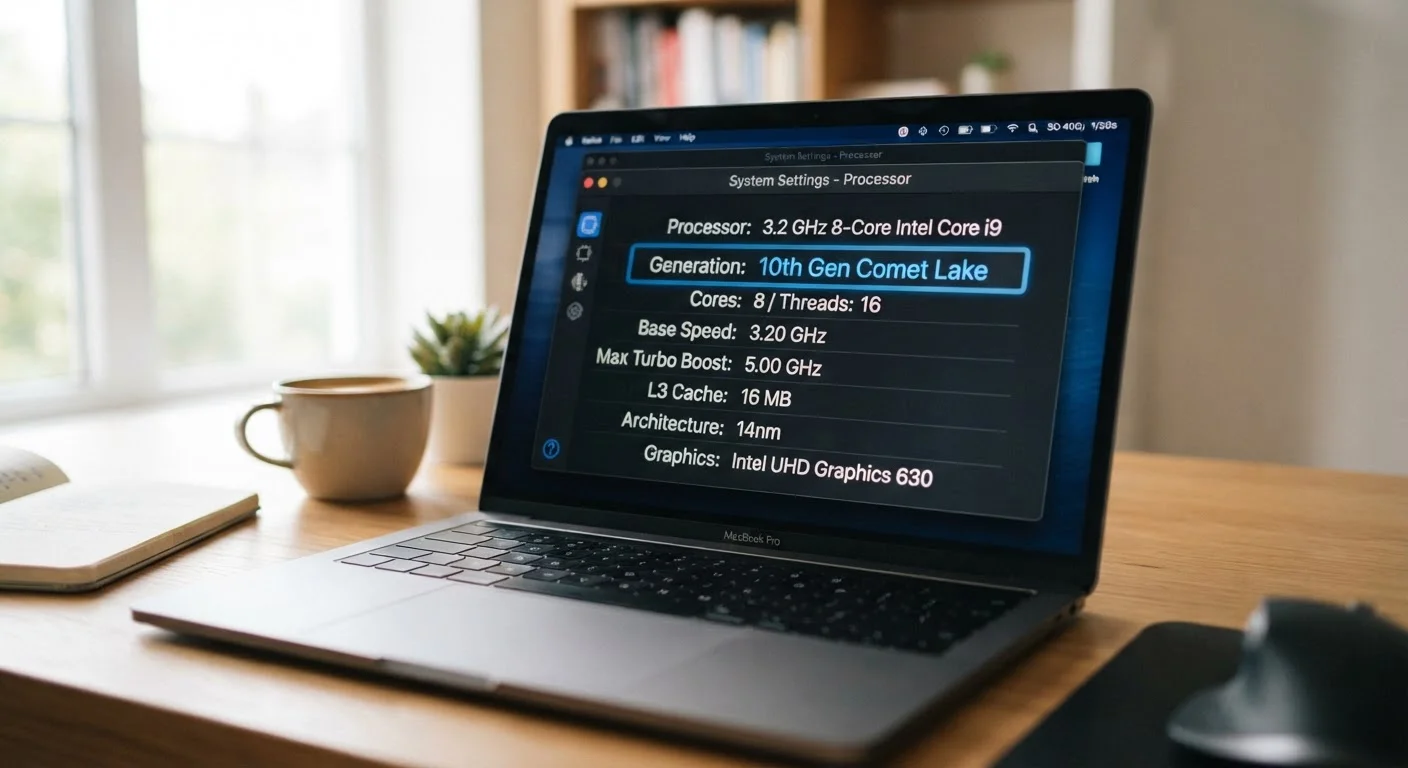
Where the Generation Number Comes From
When you see a chip labeled something like "Intel Core i5-1340P" or "AMD Ryzen 5 7530U," the generation is embedded in that model number. For Intel, the first one or two digits after the dash typically indicate the generation - so "13" in a Core i5-13500H signals a 13th-generation chip. AMD uses a different convention, where the first digit of the four-digit number often corresponds to the generation family.
These numbers exist because processor architecture genuinely does improve over time. Each new generation typically brings better energy efficiency, updated instruction support, and incremental speed gains. However, those improvements are often modest between adjacent generations - sometimes five to fifteen percent in real-world tasks - meaning a Gen 12 chip is rarely dramatically slower than a Gen 14 chip of the same tier.
For a broader look at how specs translate to real-world use, see our guide to RAM, storage, and processing speed.
Why the Generation Number Alone Can Mislead You
The biggest trap shoppers fall into is treating generation as the primary indicator of performance. In practice, two laptops with chips from the same generation can perform very differently depending on two factors: tier and power class.
Tier refers to where the chip sits within its product family. A Core i7 is a higher tier than a Core i5, even within the same generation. The i7 version typically has more processing cores, higher clock speeds, or more cache memory - all of which affect speed more significantly than a one-generation difference.
Power class is indicated by the suffix letters at the end of the chip name. A "U" suffix signals a chip designed for ultra-thin, battery-focused laptops - it deliberately limits power draw to extend battery life, which also limits performance under load. An "H" or "HX" suffix indicates a chip tuned for higher sustained performance, typically found in thicker laptops with better cooling systems.
Check the Suffix Before the Generation
When comparing two laptops, look at the letter suffix on the chip name before worrying about which generation is newer. A same-generation H-class chip will typically outperform a U-class chip in sustained tasks. Matching the power class to your workload is often more impactful than chasing the latest generation number.
This is why a thin-and-light laptop with a newer-generation U-class chip can feel slower during video editing or gaming than a slightly older laptop with an H-class chip - even though its generation number is higher.
What to Look at Instead
Rather than anchoring your comparison on the generation number, focus on these three things:
- The chip's full model name, including tier (i5, i7, Ryzen 5, Ryzen 7) and suffix (U, H, HX, P).
- Independent benchmark scores from databases that test processors under consistent conditions. These translate the spec sheet into real-world comparisons.
- Your intended workload. Web browsing, document editing, and video calls require very little processing power - nearly any modern chip handles them. Video editing, 3D rendering, or running multiple heavy applications simultaneously benefit meaningfully from higher-tier, higher-power chips.
5-15%
Typical performance gain between adjacent CPU generations
Industry analysis consistently shows modest generational improvements in same-tier chips under typical workloads, with larger gains reserved for major architectural redesigns.
2-3×
Performance difference between U-class and H-class chips
Under sustained loads like video rendering, high-power H-class chips can deliver significantly higher throughput than ultra-low-power U-class chips of the same generation and tier.
Understanding these distinctions also helps when laptop shopping on a budget. A previous-generation H-class chip often outperforms a current-generation U-class chip in demanding tasks, and may come at a lower price point - making generation-only thinking potentially costly.
Processor comparisons follow similar logic across device types. Our explainer on phone chipsets covers how the same principle applies to mobile processors.
Putting It All Together When You Shop
When evaluating laptops, treat the generation number as context - not the decision-maker. It tells you roughly how current the design is, which can matter for long-term software support and efficiency gains. But pairing it with the tier and the power suffix gives you a far more accurate read on what the laptop will actually do.
If two laptops are similarly priced and both have current-generation chips, the tier and suffix become your tiebreaker. If you're comparing across generations, check benchmark scores rather than assuming the newer number wins.
Performance also changes over time as software updates and background processes accumulate. Understanding your processor is a good starting point, but it's only one variable - our guide on why laptops slow down explains the other factors at play.
Generation Numbers Are Brand-Specific
Intel and AMD - the two main laptop processor manufacturers - use entirely separate generation numbering systems. There is no direct equivalence between, say, Intel's 13th generation and AMD's Ryzen 7000 series, even though both were released in similar timeframes. Always compare processors from different brands using benchmark data rather than generation numbers.
Frequently Asked Questions
Not necessarily. A newer generation chip built for thin, fanless laptops can be slower in demanding tasks than an older generation chip in a full-power machine. Generation indicates design cycle, not absolute speed.
No. Intel and AMD use completely separate numbering systems. A chip labeled 'Gen 14' from one brand is not equivalent to any particular generation from the other. Always compare using independent benchmark results.
Suffixes like 'U', 'H', 'HX', or 'P' indicate the power class of the chip. 'U' chips are ultra-low-power for thin laptops, while 'H' and 'HX' chips are higher-performance variants. These suffixes often matter more than the generation number itself.
Look at independent benchmark databases that test CPUs under consistent conditions. Combine benchmark results with the chip's tier level and power suffix to get a realistic sense of what a processor will do for your specific workload.
Naming conventions change as companies redesign their chip families, consolidate product lines, or try to simplify marketing. This can make year-over-year comparisons confusing for shoppers, which is why understanding the underlying tier and power class is more reliable.
The content on this site is for informational purposes only and is not a substitute for professional advice. Always consult a qualified professional for guidance specific to your situation.