

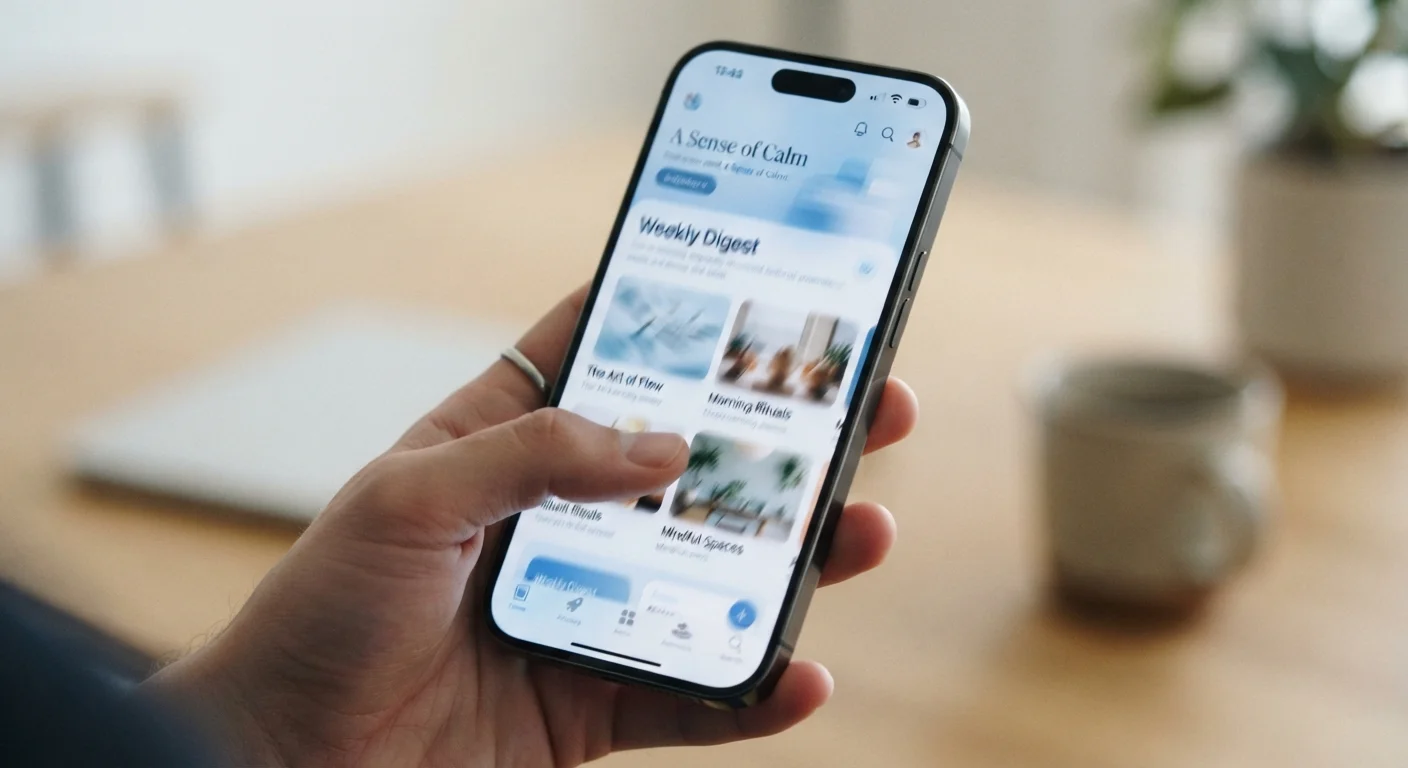
How Refresh Rate Works
Think of your phone's screen like a flipbook. Each "flip" is one complete redraw of everything on the display. Refresh rate counts how many of those flips happen every second. At 60Hz, the screen redraws 60 times per second. At 120Hz, it does so 120 times.
When you swipe through a list of contacts or scroll through a social media feed, your brain stitches together those individual frames into the perception of continuous motion. More frames per second means finer steps between each position - which your eye reads as smoothness. Fewer frames per second means larger jumps, which can look slightly choppy or feel less responsive to your touch.
This is the same underlying principle behind frame rates in film and gaming. For a broader look at how display specs connect to real-world use, see our laptop display terms explainer, which covers the same concepts applied to computer screens.
60Hz
Standard refresh rate on entry-level phones
60Hz has been the baseline for smartphone displays for many years and remains common in budget and mid-range segments.
120Hz
Common high refresh rate on mid-range and flagship phones
120Hz has become widely available across a broad range of price points, not just premium flagship devices.
1-120Hz
Adaptive refresh rate range on LTPO displays
Adaptive panels dynamically scale between a low idle rate and peak rate to balance smoothness and battery efficiency.
When a Higher Refresh Rate Actually Makes a Difference
Refresh rate matters most when the content on screen is moving quickly. Here's where you're likely to notice it:
- Scrolling through feeds and lists: Text and images glide past more fluidly at 120Hz versus 60Hz. This is where most people feel the difference first.
- Mobile gaming: Games that support higher frame rates benefit directly. Motion feels more immediate and controls feel more responsive.
- Navigating the operating system: App-open animations, swipe gestures, and transitions between screens all look crisper at higher rates.
By contrast, refresh rate has almost no impact when you're reading a static article, watching a video shot at 30 frames per second, or staring at a still photo. The screen is redrawing more often, but the content isn't changing to match - so the extra redraws don't add visible information.
Try Before You Commit
If you have access to a retail store with display models, scroll through the phone's home screen and a fast-moving app on both a 60Hz and 120Hz device side by side. The difference - or lack of it for your eyes - will be more telling than any spec sheet number.
It's also worth noting that refresh rate is just one factor shaping how a screen feels. Software optimization and display tuning can make a well-calibrated 60Hz display feel smoother in everyday use than a poorly tuned 120Hz panel.
Adaptive Refresh Rate: The Smart Middle Ground
Running a display at 120Hz continuously draws more power than running it at 60Hz. To address this, many phones now use adaptive refresh rate technology - sometimes marketed under terms like LTPO (Low-Temperature Polycrystalline Oxide). Instead of locking to one rate, the display shifts dynamically based on what it's showing.
Showing a static lock screen? The rate might drop to 1Hz. Scrolling quickly? It ramps back up to 120Hz. The phone handles this automatically, and most users never need to think about it. The practical result is that you get the smoothness when motion demands it, without the constant battery drain of running at peak rate all the time.
Understanding how refresh rate connects to your overall display experience is easier when you also understand panel technology. Our article on OLED vs. LCD screens on phones explains how the underlying display type affects brightness, color, and battery - all of which interact with refresh rate.
Putting It in Context: Does It Matter for You?
Refresh rate is a real, measurable difference - not marketing fiction. But how much it matters depends heavily on your habits.
If you spend a lot of time scrolling social media, playing mobile games, or want the snappiest-feeling interface possible, a higher refresh rate is a meaningful feature to consider. If your phone use is mostly calls, messaging, and occasional video, the difference may not be worth prioritizing over other specs like battery capacity or camera performance.
For a fuller picture of which phone specs translate to real-world experience, see our Smartphone Specs Decoded guide. And if you're curious how refresh rate compares to related display terms like input lag and response time, our refresh rate and input lag explainer breaks down each one clearly.
Frequently Asked Questions
For motion-heavy tasks like scrolling through feeds, gaming, or watching fast video, 120Hz looks noticeably smoother. For reading articles or making calls, the difference is minimal. Whether it's worth it depends on how you use your phone.
A fixed high refresh rate does consume more power. Many modern phones use adaptive refresh rates that scale up and down based on what's on screen, which significantly reduces the battery penalty compared to running at maximum Hz constantly.
Most people can perceive the difference in smoothness during scrolling or fast movement. The gap between 60Hz and 90Hz tends to feel larger than the gap between 90Hz and 120Hz. Individual sensitivity varies.
Adaptive refresh rate (sometimes called LTPO) allows the display to dynamically change its refresh rate based on what's being displayed. It might run at 1Hz showing a still lock screen and jump to 120Hz during a game, saving battery without sacrificing smoothness.
Most streaming video is recorded and delivered at 24, 30, or 60 frames per second, so a higher screen refresh rate doesn't add more video frames. It can help the phone's interface around the video feel smoother, but the video content itself won't change.
The content on this site is for informational purposes only and is not a substitute for professional advice. Always consult a qualified professional for guidance specific to your situation.