

Why Device Lifespan Is Largely in Your Control
Most home electronics don't fail suddenly - they degrade gradually through a combination of heat accumulation, electrical stress, and software neglect. Understanding these mechanisms is the first step to slowing them down. The good news is that the habits with the most impact require no technical skill and very little time.
This article covers six practical approaches that apply broadly across TVs, routers, wireless speakers, streaming devices, and smart home hubs. For device-specific guidance on laptops, maintenance habits that extend a laptop's life covers the overlap and differences in detail.
Heat and Airflow: The Biggest Variable You Can Actually Control
Heat is the single most consistent cause of premature electronics failure. Every active component - processors, capacitors, power regulators - operates within a temperature ceiling, and sustained operation above that threshold accelerates chemical and electrical degradation inside the device.
“The enemy of electronics is heat. Most premature failures trace back not to defects but to sustained thermal stress that accumulates quietly over time.”
— Consumer Electronics Association Technical Standards Group, Industry technical standards body for consumer electronics
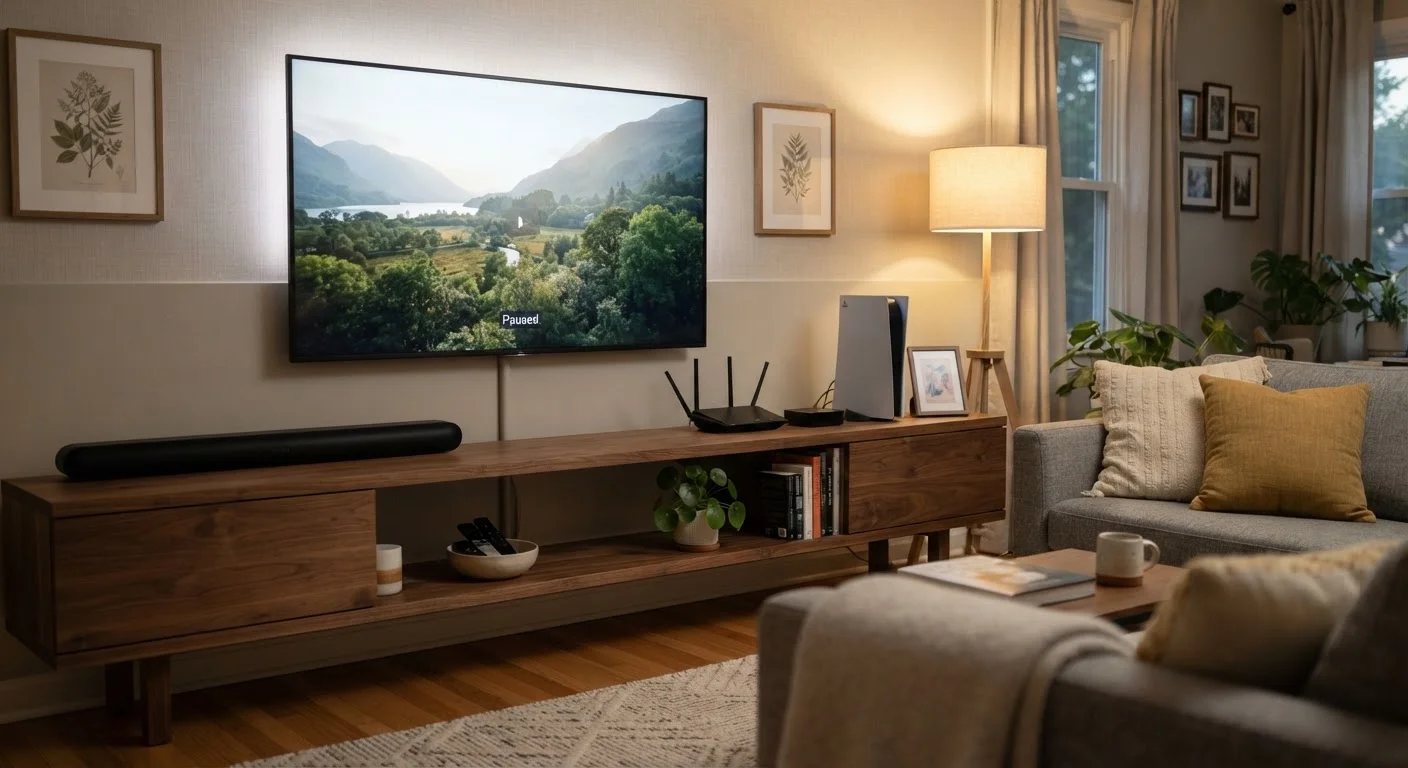
The practical implication is straightforward: anything that helps a device stay cool extends its working life. Blocked vents, enclosed cabinet installations, and stacking devices on top of one another are among the most common culprits in households. Dust buildup compounds the problem by insulating hot surfaces.
For a complementary perspective on how electrical infrastructure in your home affects device health, see what homeowners should understand about their electrical panel.
Keep ventilation clear and give devices room to breathe.
Heat is the primary accelerant of component degradation. When hot air can't escape, internal temperatures rise and shorten the working life of chips, capacitors, and display panels. Even modest improvements in airflow reduce long-term wear significantly.
Install firmware and software updates promptly on all connected devices.
Manufacturers release updates not just for new features but to fix bugs that cause devices to run hotter, use memory inefficiently, or crash. Staying current keeps a device performing closer to its original design spec. On smart TVs and streaming devices in particular, delayed updates can lead to sluggishness that users often mistake for aging hardware.
Plug electronics into a quality surge protector rather than directly into the wall.
Voltage spikes - from storms, grid fluctuations, or even nearby appliances cycling on - can degrade or instantly destroy sensitive electronics. A surge protector absorbs excess voltage before it reaches your devices. This is especially important for TVs, routers, and audio receivers.
Manage battery charge cycles carefully on rechargeable devices.
Lithium-ion batteries - found in wireless speakers, tablets, and smart displays - degrade faster when regularly drained to zero or kept at 100% for extended periods. Keeping charge levels in the 20-80% range during normal use reduces stress on battery chemistry. The same principle applies to laptops; see how charging habits affect battery lifespan for a closer look.
Dust vents and intake areas on a regular schedule.
Dust accumulates on intake grilles and internal fans, acting as insulation that traps heat. Routers, game consoles, and soundbars are particularly prone to this. A simple monthly pass with a dry microfiber cloth or a brief burst from compressed air keeps airflow paths open without requiring any disassembly.
Use power-saving and sleep settings instead of leaving devices fully on when idle.
Devices that run continuously accumulate more operating hours, which translates directly to faster component wear. Sleep modes reduce power draw and lower internal temperatures during periods of inactivity, extending the useful hours of displays, processors, and power supplies.
Software, Power, and Battery Habits That Add Up Over Time
Beyond physical care, the way you manage a device's software and power states shapes how long it remains reliable. Smart TVs that slow down over years are often running outdated software with memory inefficiencies that patches have since resolved. If your TV already feels sluggish, why smart TVs slow down and what helps walks through the specific causes.
Firmware vs. Software Updates
Firmware is low-level code built into a device's hardware - think of it as the device's operating instructions. Software updates, by contrast, affect the apps and interface you interact with. Both matter for device health. Skipping firmware updates can leave hardware running inefficiently or expose it to security gaps that manufacturers have already patched.
Power management matters just as much. Devices left in fully active states during idle hours accumulate unnecessary operating time and heat. On rechargeable devices, charge behavior directly affects battery chemistry - a factor that smartphone longevity research has documented consistently. The same principles translate to tablets, wireless speakers, and portable smart displays.
Taken together, these habits form a low-effort maintenance routine that meaningfully shifts the odds in favor of a longer-lasting device. None of them require opening up hardware or purchasing additional tools beyond a surge protector - an investment covered in detail in our comprehensive home electronics overview.
The content on this site is for informational purposes only and is not a substitute for professional advice. Always consult a qualified professional for guidance specific to your situation.