

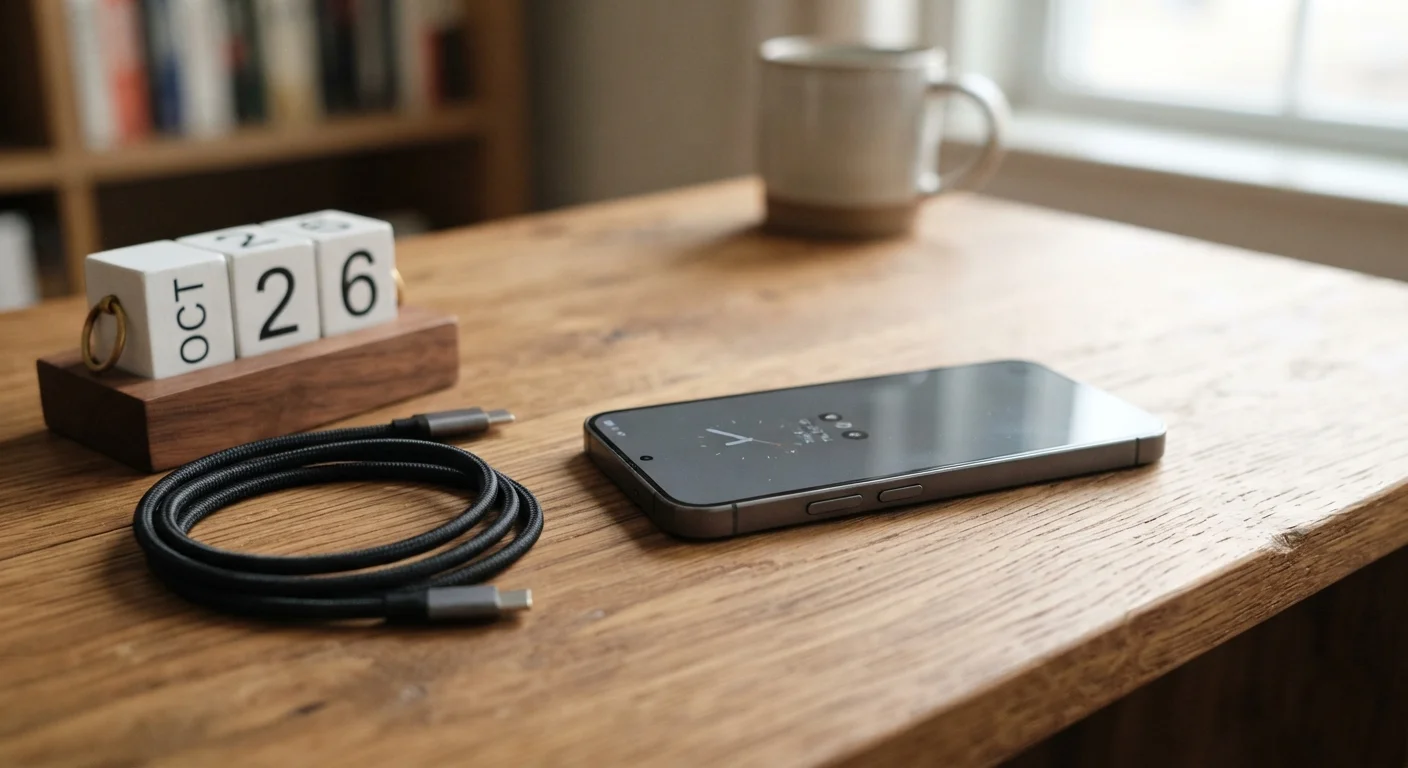
What 'Longevity' Actually Means for a Smartphone
A phone's lifespan has two distinct dimensions: physical durability (how well the hardware holds up) and software longevity (how long it continues receiving updates and running current apps). A device can be physically pristine but effectively obsolete if the manufacturer has stopped releasing security patches. Understanding both dimensions helps you evaluate a phone beyond its spec sheet.
Decoding what smartphone specs actually mean is a useful starting point - but longevity depends on factors that go well beyond raw numbers like processor speed or screen resolution.
The Specs That Predict a Longer-Lasting Phone
Several measurable specs correlate with how long a phone remains useful in everyday life:
- Software update policy: This is arguably the single most important longevity factor. Manufacturers vary widely - some commit to multiple years of operating system upgrades and security patches; others stop after one or two. Check the stated update window before purchasing.
- RAM: More RAM (random-access memory) allows the phone to handle more tasks simultaneously without slowing. As apps expand in complexity, a phone with limited RAM may struggle sooner. For most users, 6-8 GB is a reasonable baseline for multi-year use.
- Storage capacity: A nearly full internal drive noticeably degrades performance. See our guide on how much storage you actually need for a practical breakdown by usage type.
- IP rating: An IP (Ingress Protection) rating indicates resistance to water and dust. Phones rated IP67 or IP68 can survive splashes, spills, and brief submersion - common causes of early device failure.
- Repairability: Some phones are designed so that batteries and screens can be replaced affordably; others are sealed in ways that make repairs costly or impossible. Checking repairability before committing to a phone can save significant money down the line.
3-5 years
Typical practical smartphone lifespan
Industry analysts generally cite three to five years as the range most smartphones remain both functional and software-supported, depending on the manufacturer's update policy.
~500 cycles
Charge cycles before noticeable battery degradation
Most lithium-ion smartphone batteries begin showing measurable capacity loss after approximately 500 full charge cycles, though this varies by cell quality and usage habits.
Battery Health: The Hidden Longevity Factor
Lithium-ion batteries - used in virtually all smartphones - degrade with every charge cycle. This degradation is gradual and inevitable, but the rate at which it happens is shaped by user habits. A battery that retains 80% of its original capacity is generally considered the threshold below which performance and run time become noticeably compromised.
Protect Battery Health With Simple Charging Habits
Avoid using ultra-fast charging every day if your phone supports it - high-wattage charging generates heat that accelerates battery wear over time. Reserve fast charging for when you genuinely need a quick top-up. For routine overnight charging, slower speeds are easier on the cells.
For a deeper look at how mAh ratings, fast charging, and daily habits interact, the guide to smartphone batteries covers this in detail. Understanding why phones slow down is also worth reading - battery aging is only part of the picture.
Best Practices for Extending Your Phone's Useful Life
The right habits, applied consistently, can meaningfully extend how long a phone stays functional and fast.
Avoid charging your phone to 100% every night - aim for the 20-80% range when possible.
Consistently charging to full capacity and leaving the phone plugged in creates sustained high voltage stress on the battery cells, accelerating chemical degradation. Staying within the middle range of the charge cycle reduces this stress.
Keep the phone away from prolonged heat exposure, including car dashboards and direct sunlight.
Heat is the primary accelerant of battery degradation. Elevated temperatures break down the chemical components inside lithium-ion cells faster than charge cycles alone. Even short periods of extreme heat can cause lasting capacity loss.
Install software updates promptly and continue doing so as long as the manufacturer supports them.
Security patches close vulnerabilities that accumulate over time. Skipping updates doesn't preserve performance - it exposes the device to risks that can degrade usability or compromise data. Supported software also maintains compatibility with current apps.
Manage storage actively - keep at least 15-20% of internal storage free at all times.
Operating systems use free storage as temporary working space. When storage fills up, the phone has nowhere to write temporary files, causing slowdowns, crashes, and degraded performance that users often mistake for hardware failure.
Use a case and screen protector from the start, not after the first crack.
Physical damage - cracked screens, bent frames, exposed ports - is one of the leading causes of premature phone replacement. A quality case absorbs impact energy that would otherwise transfer to the device's internals.
Restart your phone at least once a week to clear temporary system processes.
Background processes accumulate over time and consume RAM. A regular restart clears these processes, often restoring responsiveness without any other intervention. It also prompts pending software updates to complete.
Quick Actions You Can Take Today
You don't need to overhaul your routine to make a difference. A few targeted changes have outsized impact on how long your current phone holds up.
Many of these principles carry over to other devices. The guide to extending home electronics lifespan covers similar ground for TVs, tablets, and other household tech.
The content on this site is for informational purposes only and is not a substitute for professional advice. Always consult a qualified professional for guidance specific to your situation.