

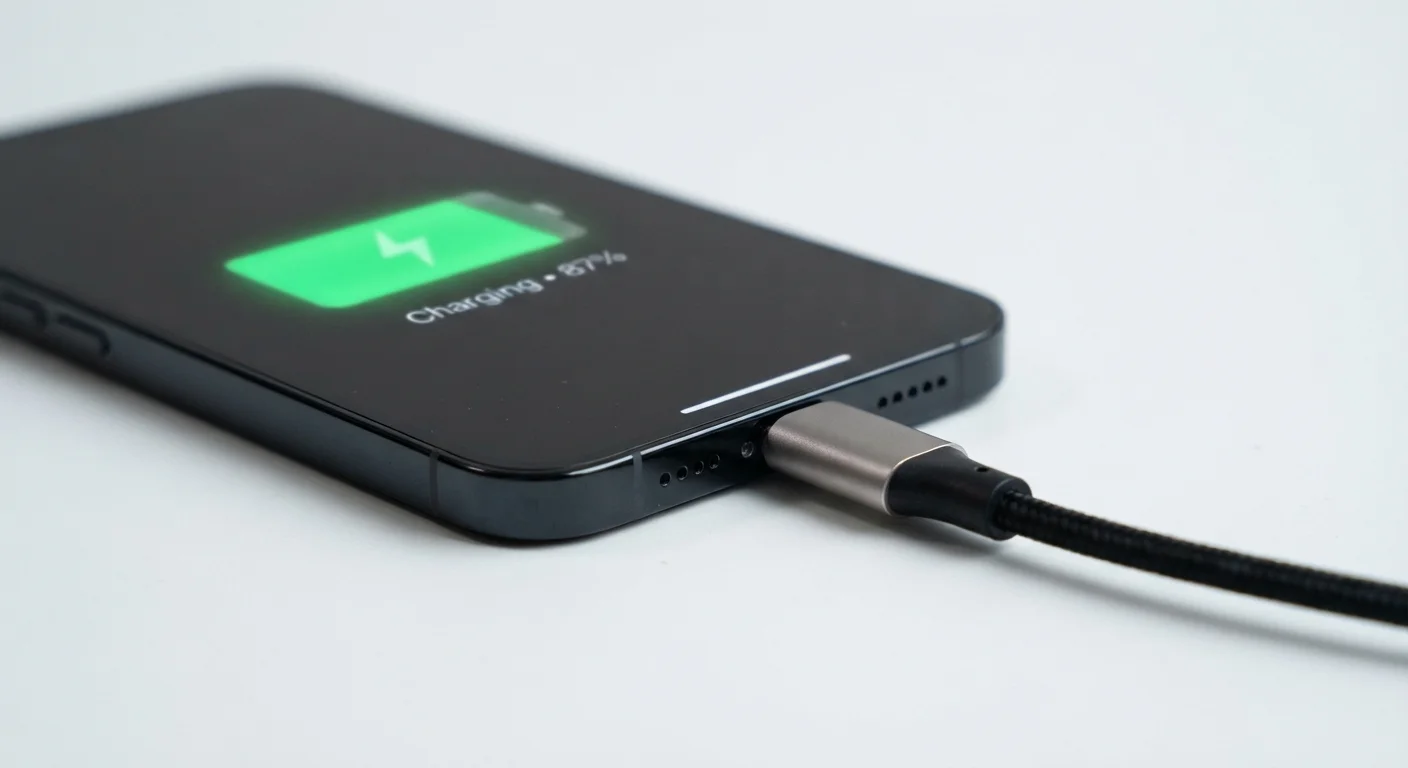
What mAh Actually Means
The number you see listed as a phone's battery spec - say, 4,500 mAh - refers to milliampere-hours, a unit that measures how much electrical energy the battery can store. Think of it like the size of a fuel tank: a larger tank can hold more energy, giving the phone more to draw from before it needs a recharge.
However, mAh capacity alone does not determine how long your phone will last on a single charge. Two phones with identical mAh ratings can perform very differently because battery life also depends on the efficiency of the processor, the resolution and refresh rate of the screen, what software is running, and how the operating system manages power. A 5,000 mAh battery in a phone with an energy-efficient chip may outperform a 5,500 mAh battery paired with a less efficient one.
For a broader look at how battery capacity fits alongside other spec numbers, see our guide to decoding smartphone specs.
500+
Typical full charge cycles before noticeable capacity loss
Most lithium-ion battery manufacturers rate their cells to retain around 80% capacity after approximately 500 full charge cycles under normal conditions.
5W → 100W+
Range of wired charging speeds available
Standard USB charging delivers roughly 5 watts, while some proprietary fast charging systems from smartphone manufacturers now exceed 100 watts.
~30%
Battery drain from screen at full brightness vs. low
Display power consumption can vary by roughly 30% or more between minimum and maximum brightness settings on modern OLED screens, according to device-level power testing.
Fast Charging Explained
Fast charging works by temporarily increasing the electrical wattage (power) delivered to the battery. Standard USB charging typically delivers around 5 watts. Fast charging standards - such as Qualcomm's Quick Charge, USB Power Delivery, and proprietary systems from various manufacturers - can push anywhere from 18 watts to well over 100 watts.
The catch: both your phone and your charger must support the same fast charging standard. Plugging a fast-charging-capable phone into a basic 5W charger simply charges it slowly. Conversely, using a high-wattage charger with a phone that only supports a lower standard won't speed things up - it will charge at the phone's maximum supported rate.
When buying a replacement or additional charger, check the wattage and the specific fast-charging standard listed in your phone's manual - not just the wattage on the charger box. A mismatched standard means you'll charge at basic speeds regardless of the charger's rated output.
Fast charging compatibility requires matching standards on both ends of the cable. Many consumers buy high-watt chargers without verifying protocol compatibility, leaving performance gains on the table.
If your phone supports 'optimized' or 'adaptive' charging, turn it on. This feature learns your overnight routine and holds the charge at around 80% until just before your usual wake-up time, meaningfully reducing the hours spent at 100%.
Prolonged charging at full capacity is a known stressor for lithium-ion cells. Adaptive charging reduces this exposure without requiring any manual effort from the user.
Wireless charging, while convenient, is generally slower and slightly less efficient than wired charging because some energy is lost as heat during the transfer. Newer wireless standards have narrowed this gap, but wired fast charging typically remains the quickest option for most users.
What Drains Your Battery Fastest
Understanding which activities consume the most power helps you make smarter choices throughout the day. Here are the primary culprits:
- Screen brightness: The display is consistently one of the largest energy consumers. Running your screen at full brightness - especially on large, high-refresh-rate panels - can significantly reduce endurance.
- 5G connectivity: 5G radios draw more power than 4G LTE, particularly in areas with spotty 5G coverage where the phone repeatedly searches for a signal.
- Background app activity: Apps that refresh content, track location, or sync data in the background quietly consume battery even when you're not actively using them.
- Streaming video and gaming: These tasks simultaneously stress the processor, graphics chip, screen, and network radio - a combination that drains batteries rapidly.
- Extreme temperatures: Cold weather temporarily reduces battery output; heat accelerates long-term degradation.
Heat Is a Battery's Biggest Enemy
Leaving your phone in a hot car, on a sunny windowsill, or under a pillow while charging can cause lasting damage to battery cells - not just temporary performance dips. Sustained heat accelerates the chemical degradation inside lithium-ion batteries and can permanently reduce maximum capacity faster than normal charge cycles alone.
For tips on managing power consumption across all your home devices, the article on extending the life of home electronics offers useful context.
Battery Health and Charge Cycles
Lithium-ion batteries - the type used in virtually all modern smartphones - degrade naturally over time. Each time you drain and recharge the battery, that counts as a charge cycle. Most lithium-ion batteries are designed to retain roughly 80% of their original capacity after around 500 full charge cycles, though this varies by manufacturer and usage patterns.
As capacity drops, you'll notice the phone lasting fewer hours on a charge. This is the same phenomenon described in our article on why phones slow down over time, where an aging battery can even cause a phone to throttle performance to prevent unexpected shutdowns.
Battery Degradation Is Normal - and Measurable
If your phone no longer lasts as long as it did when new, battery degradation is likely the cause - not a software bug or a broken charger. Check your phone's built-in battery health screen (found in Settings on most devices) to see your current capacity percentage. Many manufacturers and third-party repair shops offer battery replacement services when capacity drops below 80%.
Both major mobile operating systems include built-in battery health screens that display your battery's current maximum capacity as a percentage of its original design capacity. Checking this periodically gives you an objective measure of degradation.
Practical Habits to Extend Daily Battery Life
Small, consistent habits make a measurable difference in both daily endurance and long-term battery health:
- Lower screen brightness or enable auto-brightness so the display adjusts to ambient light conditions.
- Switch to 4G LTE in areas where 5G coverage is weak - your phone won't waste power hunting for a 5G signal.
- Audit location permissions and revoke always-on location access for apps that don't genuinely need it.
- Enable battery saver or low-power mode proactively when you know you'll be away from a charger for an extended period.
- Avoid overnight charging at 100% for extended periods; many phones now include optimized charging features that learn your schedule and pause charging near full capacity to reduce stress on the battery.
- Keep the phone away from extreme heat, including leaving it on a hot car dashboard or in direct sunlight.
For broader thinking on how your usage habits affect a phone's overall lifespan, see our piece on smartphone longevity. And if you're curious how phone battery claims compare to a similar challenge in another device category, our look at laptop battery life claims vs. real-world performance draws a useful parallel.
Use Battery Saver Before You Need It
Most users activate battery saver only when they're already below 15%. Switching it on at 30-40% instead buys significantly more time. Battery saver modes reduce background refresh, lower screen brightness, and limit location polling - all without preventing you from using core functions.
The content on this site is for informational purposes only and is not a substitute for professional advice. Always consult a qualified professional for guidance specific to your situation.